AI Style Transfer
This AI-driven artistic filter makes it possible apply the styles of famous artists such as Picasso and van Gogh in images and videos. It's intuitive and fully customizable using the effects window. Add the flair of timeless masterpieces to your media.
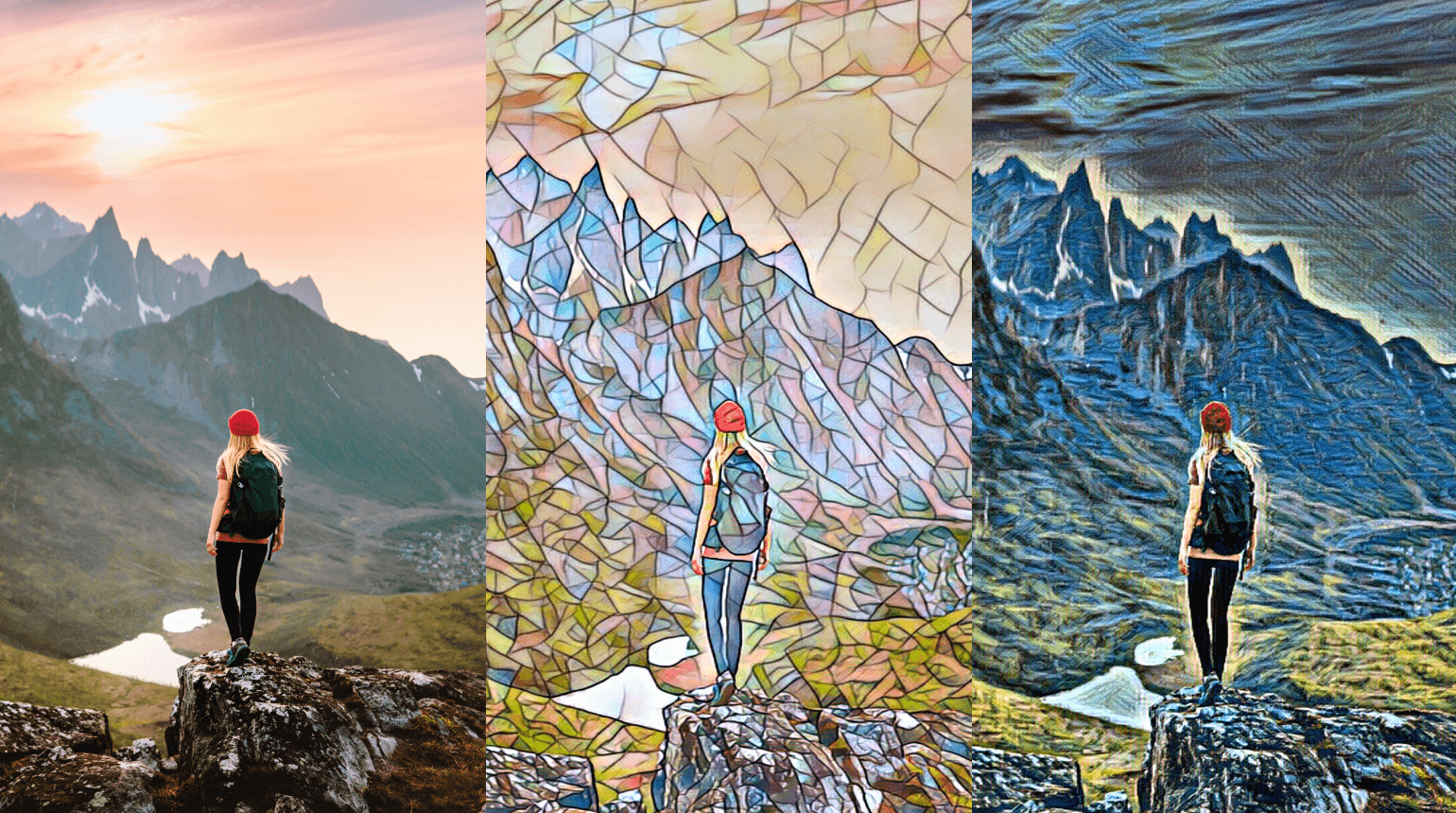
-
Select an image or video object in the project.
-
Click on Effects → Video effects → AI Style Transfer → Apply effect in the Media Pool.
-
Under Style, select the desired look.
-
Under Details, specify how detailed the style transfer should be. More detail correspondingly generates more intense processing.
Preferences
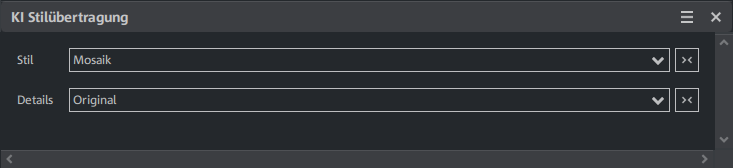
| Style | The desired artistic style is selected here, e.g. "Mosaic". This determines the visual appearance that is applied to the object, including colors, textures, and brushstrokes. |
| Details | This option, e.g. "Original", determines how heavily the selected style is applied to the object. It influences how detailed and subtle the artistic effect is and how much it maintains or changes the original appearance of the object. |