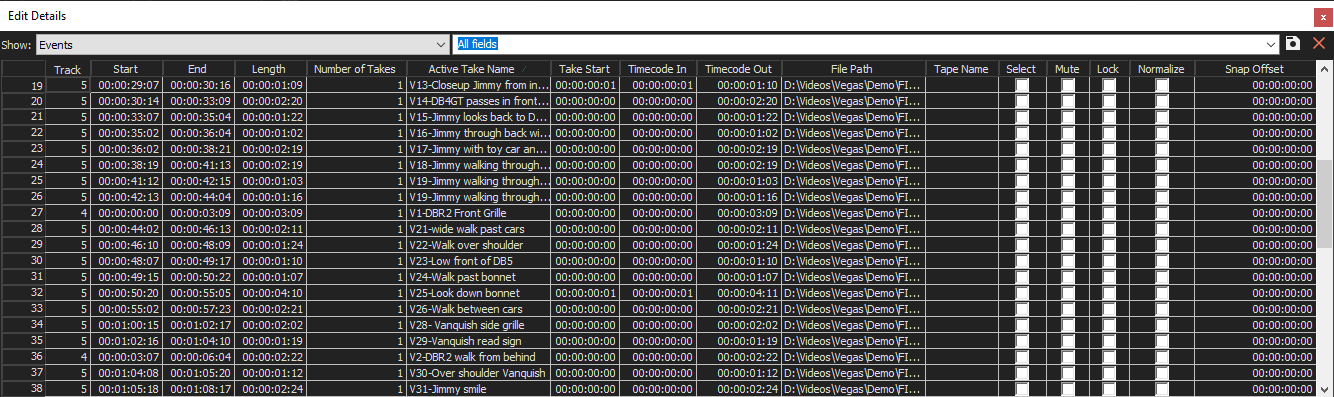
The Edit Details Window
Choose View | Window | Edit Details to toggle the display of the Edit Details window.
The Edit Details window displays a database for all of the media in your project. It shows information about how files in the project are being used and allows you to modify many of those properties. You may sort, add or change information, rearrange columns, and edit items in the project.
This window provides an alternate method for working with events, audio CD track lists, commands, markers, and regions.
 For more information, see Using the Edit Details Window