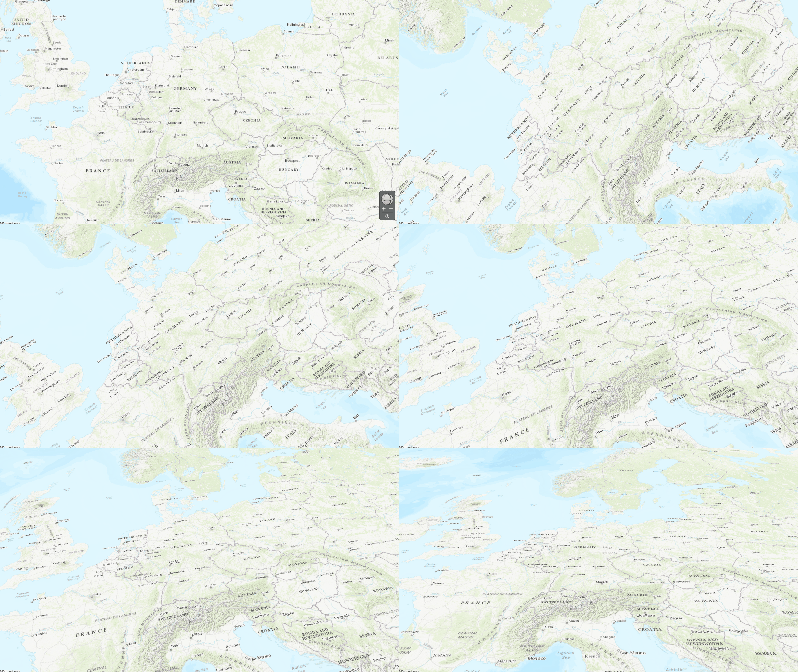
Animation
You can specify additional details under Animation in the menu.
| Behavior | |
| Animate locations: | Adds a soft fade-in to the location. Use the slider to set the animation duration. |
| View follows path: | Makes the visible portion of the map move to follow the course of the path. When this option is disabled, the map remains static as the animation moves along the travel route. |
| Fly-in options | |
| Activate fly-in |
Start your route's animation by flying in on the map. TIP Activate the additional "View follows path" option for a more impressive start to your animation. |
| Rotation/Skew | When using a fly-in animation, you can adjust the angle at the start and end. |