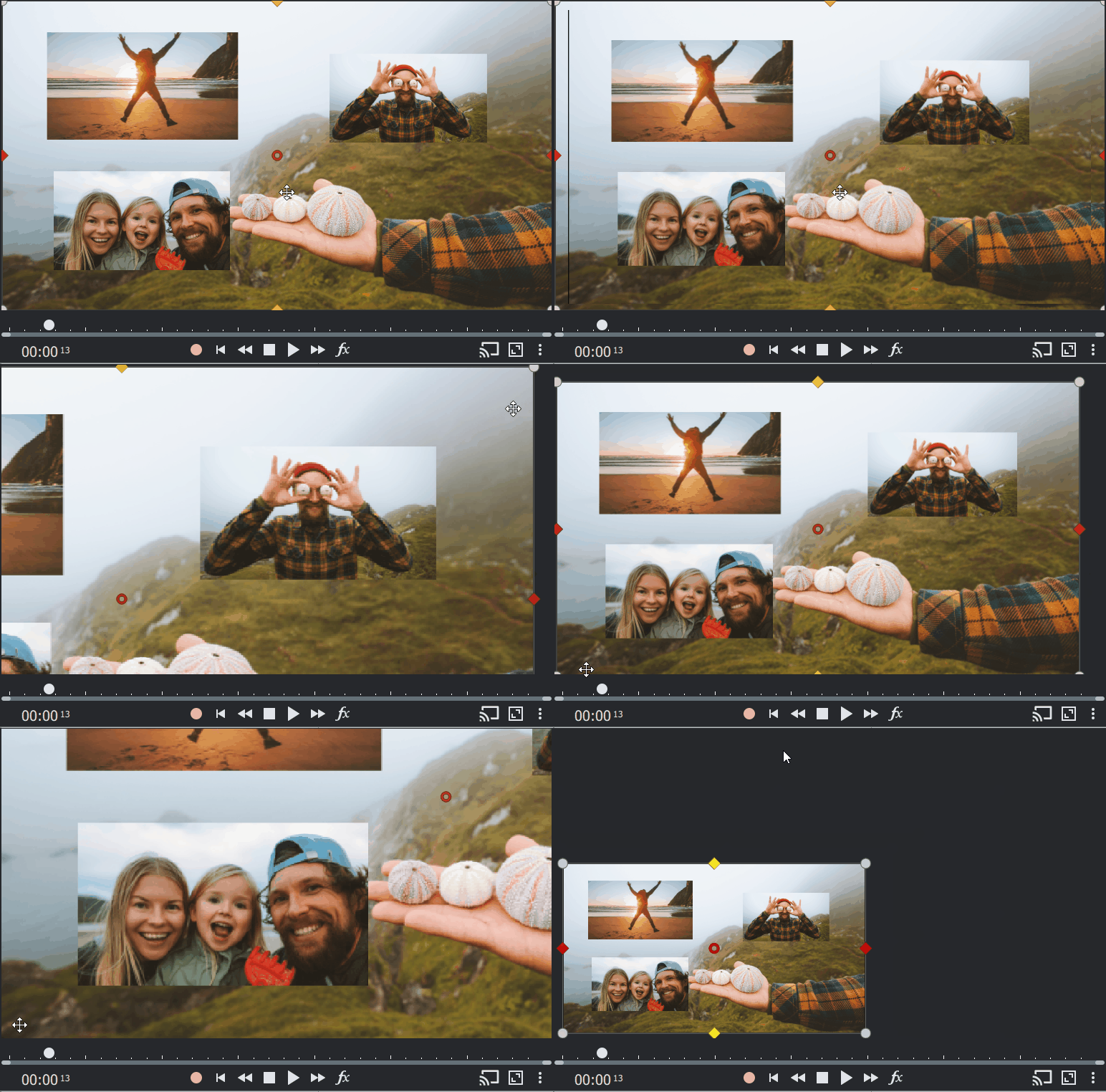
What are objects
In Photostory deluxe, objects are the elements or content that you insert into your project: Images, video clips, text, graphics, transition effects, etc.
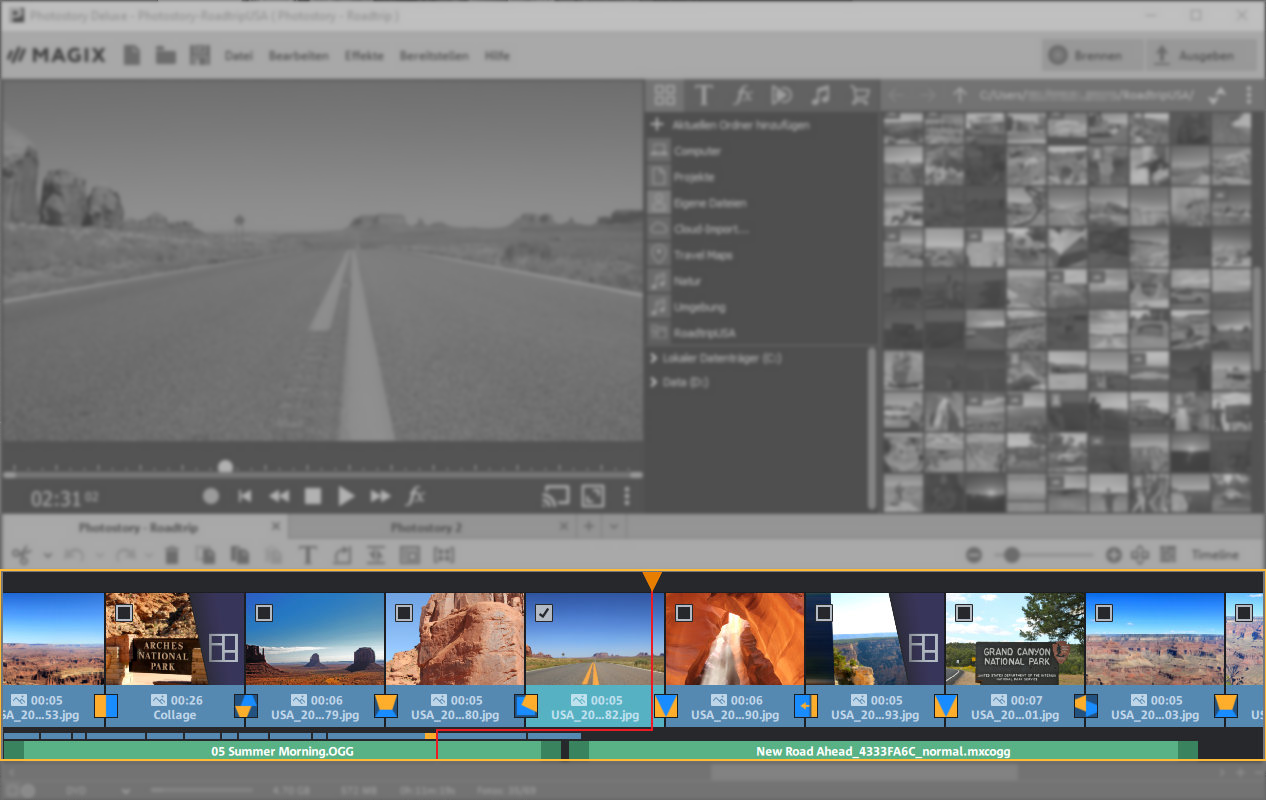
Select objects in the preview monitor
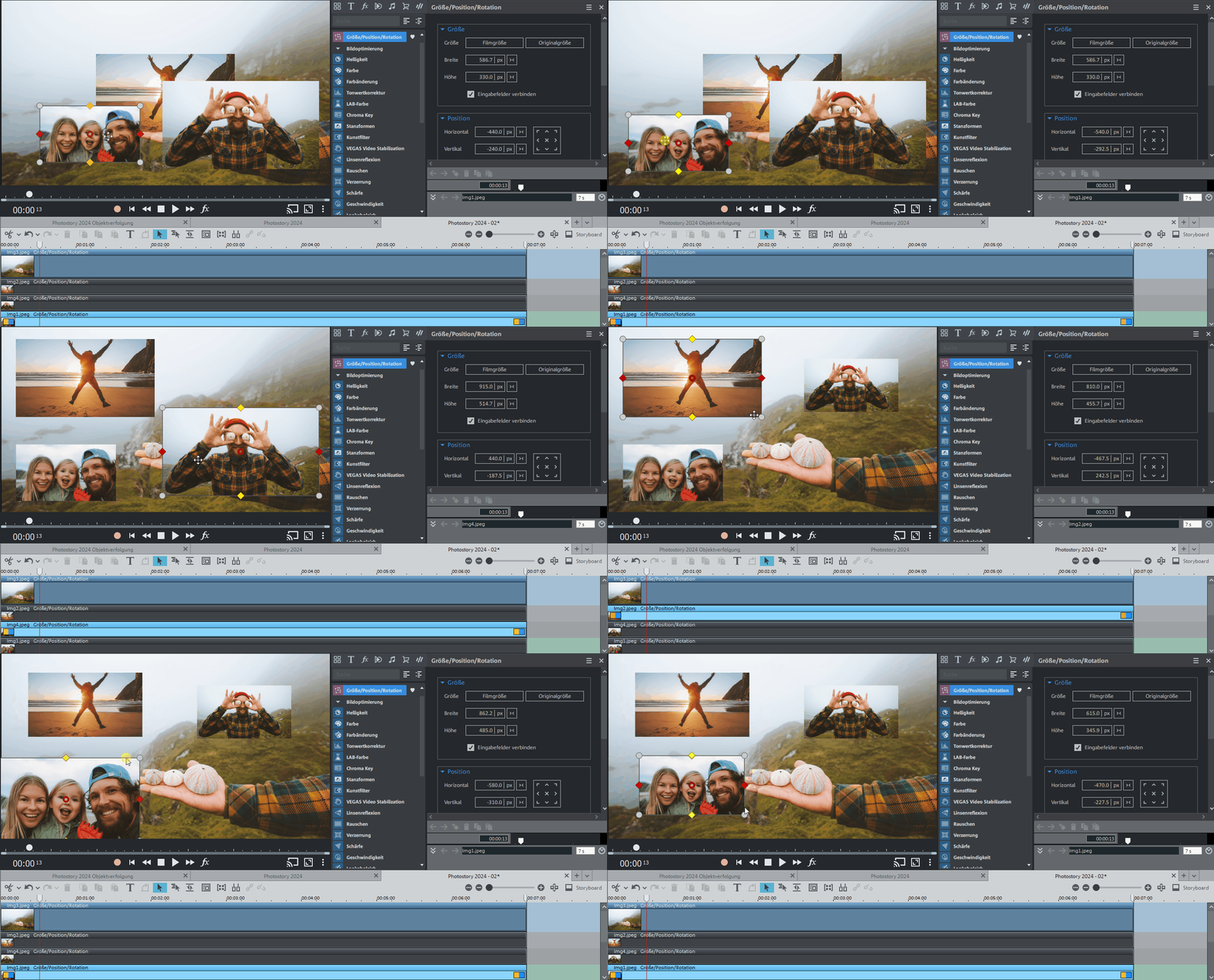
Click on an object directly in the preview monitor to select it. It is also possible to use a bounding box, which allows you to precisely control your own animations.
Zoom into objects in the preview monitor
Use the keyboard shortcut Ctrl + mouse wheel to zoom into the preview monitor and edit your videos and photos even more precisely.
This function lets you customize any effect right down to the fine detail.
To reset zoom levels, simply double-click while holding down the Ctrl key (Ctrl + double-click).