Object tracking
Object tracking allows you to automatically track a moving object within a video and detect its position over time. The purpose of object tracking is to apply effects, text, graphics, and other visual elements to the tracked object so that they follow its movement.
For example, you might use object tracking to:
-
Track a family member or pet in a video as they move. Add text to add funny comments or thoughts.
-
To tell a visual story. For example, track an object as it travels through different scenes having adventures.
-
Pixelate faces, license plates, and other personal information in your videos to protect the privacy of people that should not be identifiable.
-
Insert a background video.
-
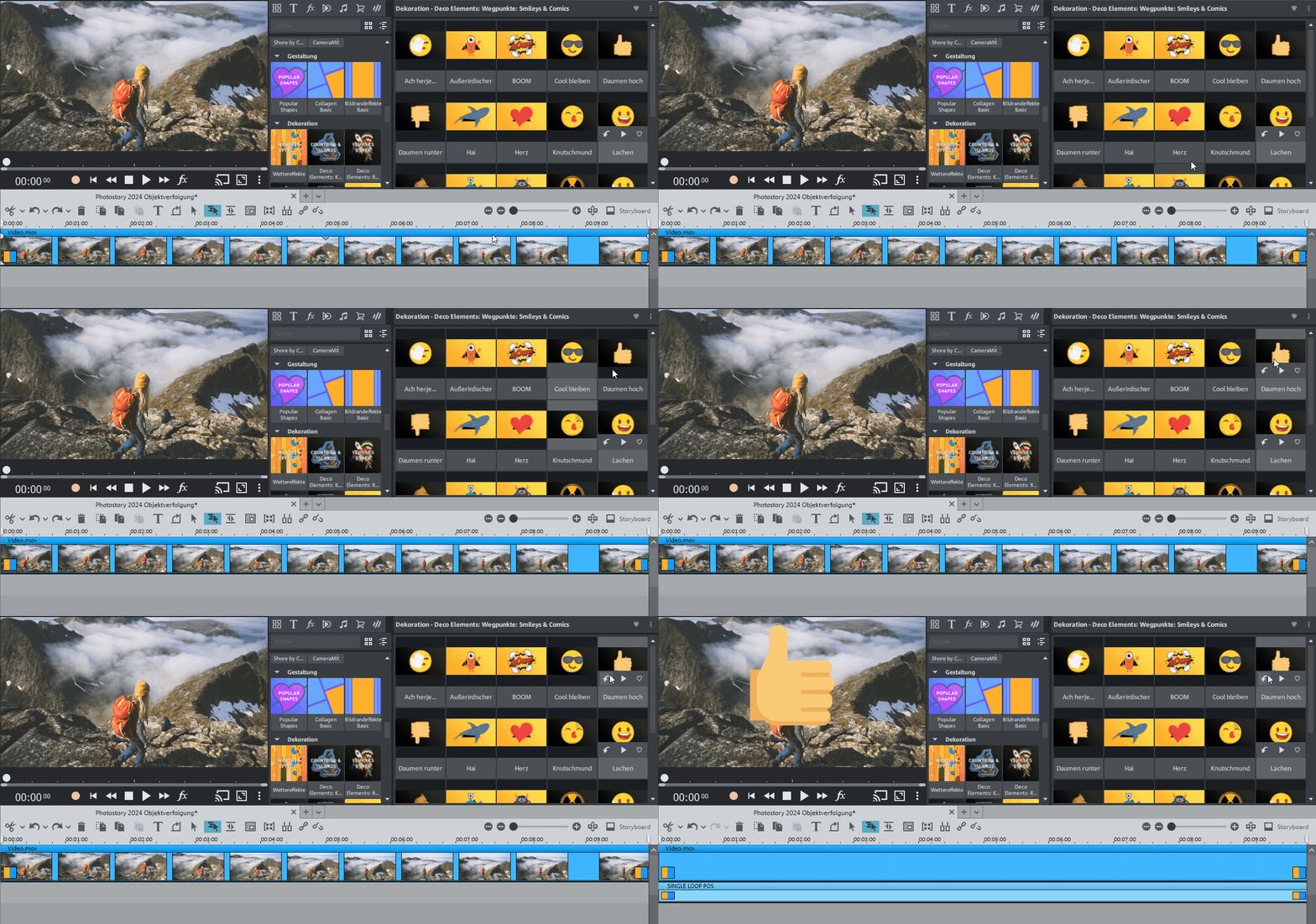
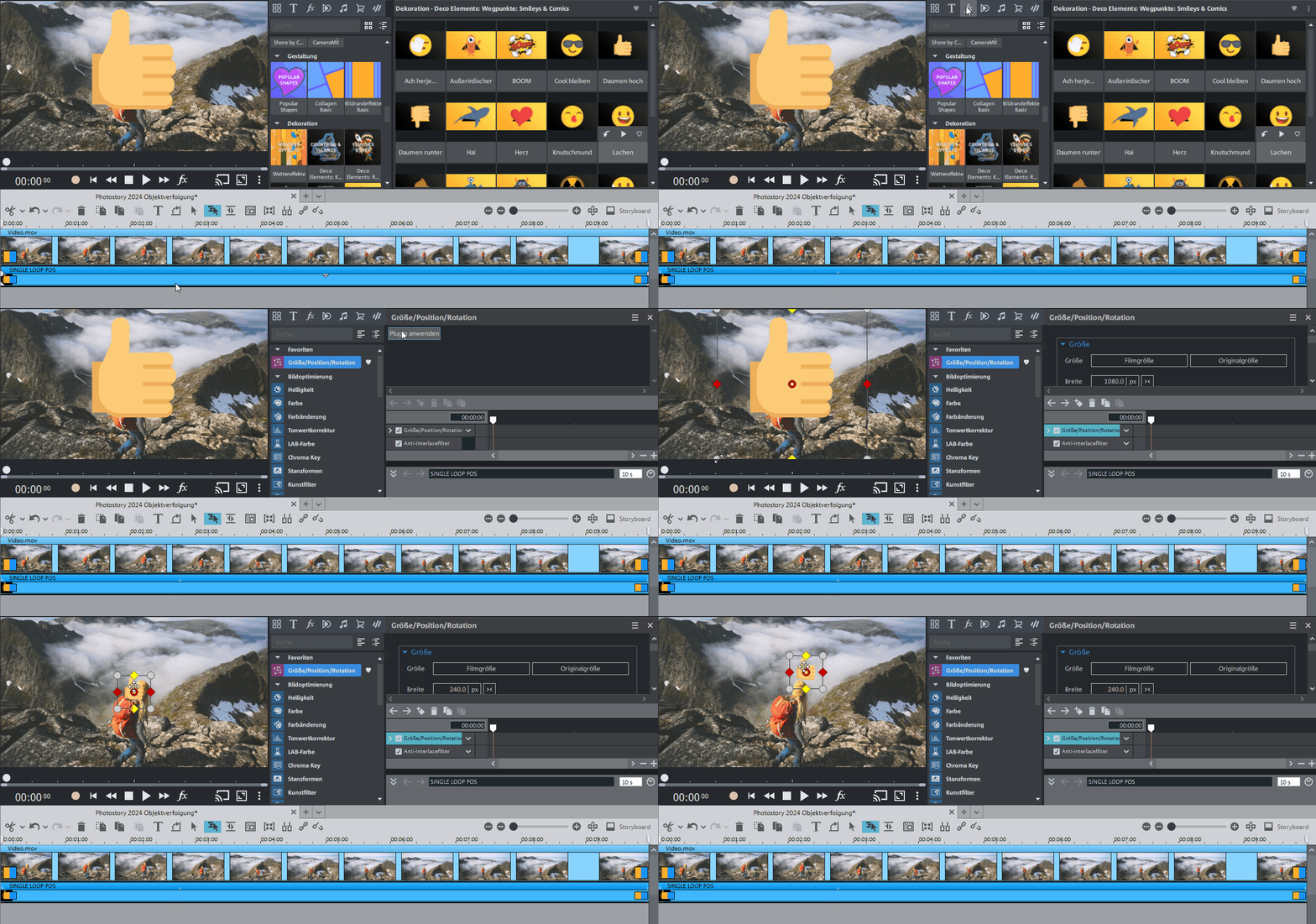
NOTE Make sure that the reference video and overlay object are positioned on different tracks in parallel. You should also ensure that the reference video is on a track above the overlay object.
-
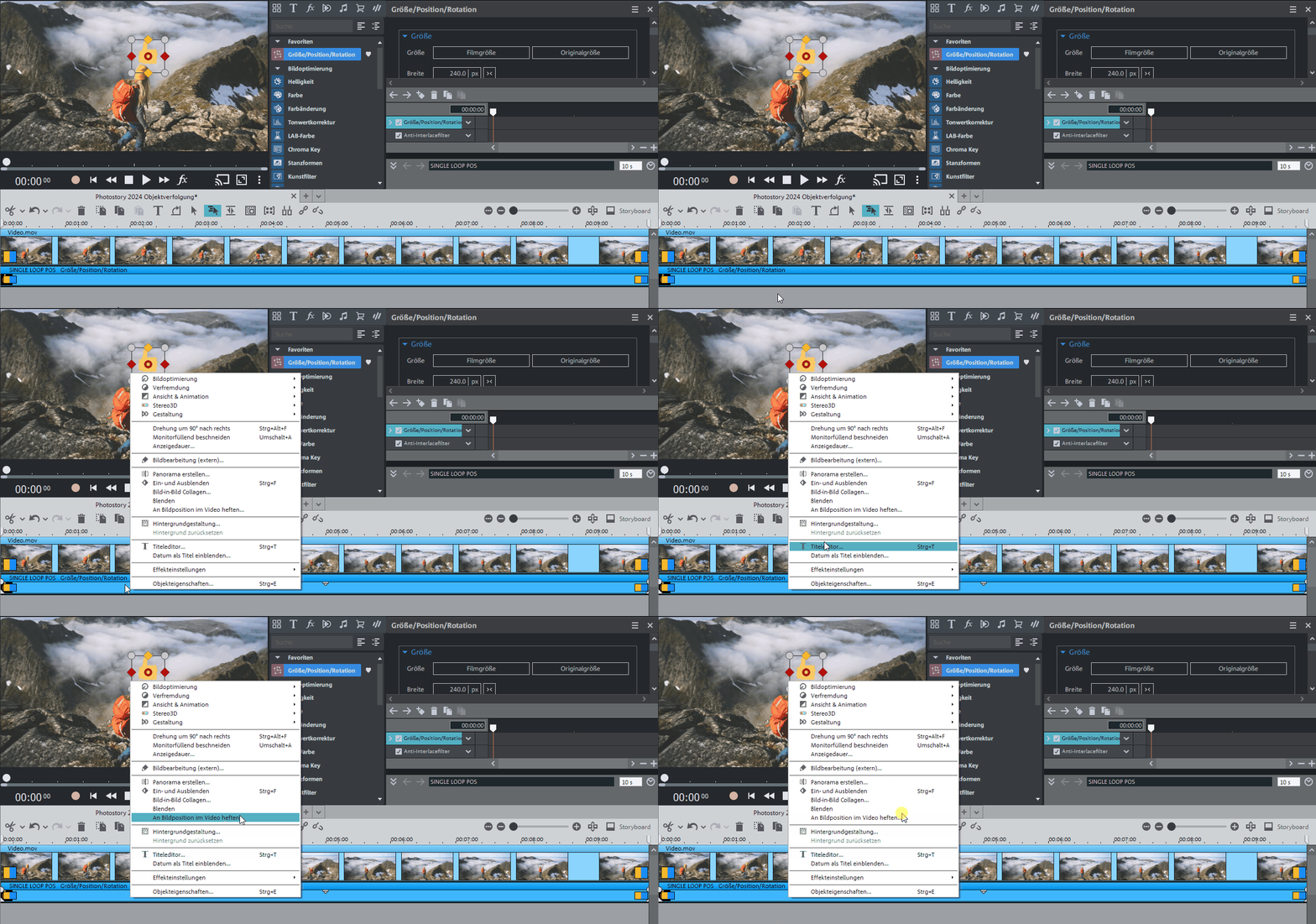
NOTE If you want to attach two objects, e.g. a title and a speech bubble, an additional dialog appears, which lets you select the objects you want to attach to your video.
-
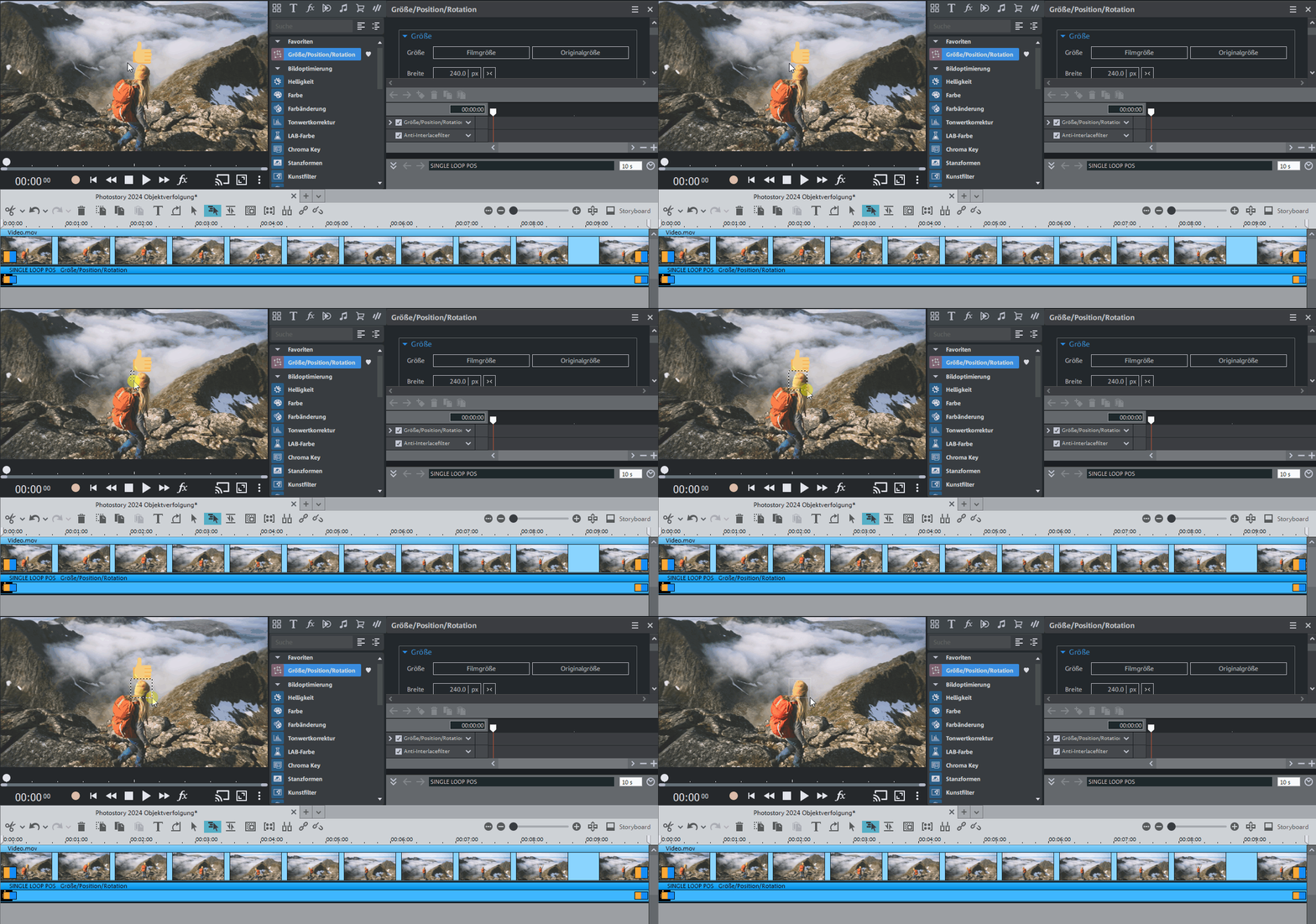
The movement of the object will then be tracked automatically. The status bar displays the time remaining